Dirac ConsultingMassive Dynamic commissioning platform

Massive Dynamic · 3D & VR

Walk the plant in its current state.

The same live project opens in 3D on a desktop and in a Meta Quest 3 headset, at real scale. Nothing is rebuilt for VR, so what you see is the status the field recorded a minute ago.

In the headset

Virtual reality on Meta Quest 3

  • Status where it stands

    Every asset carries its commissioning stage colour during the walkdown.

  • Move like on site

    Walk, teleport, step onto platforms and into rooms.

  • Work without taking it off

    Read the issue list, comment, tag colleagues and change issue status from inside VR.

VR is where a client or a site manager understands a plant fastest: walking past a switchgear line and seeing which panels are proven needs no explanation.

It runs in the browser on the headset. There is nothing to install beyond opening the app.

In the headset

Captured on a Meta Quest 3

Straight from the live project — nothing staged.
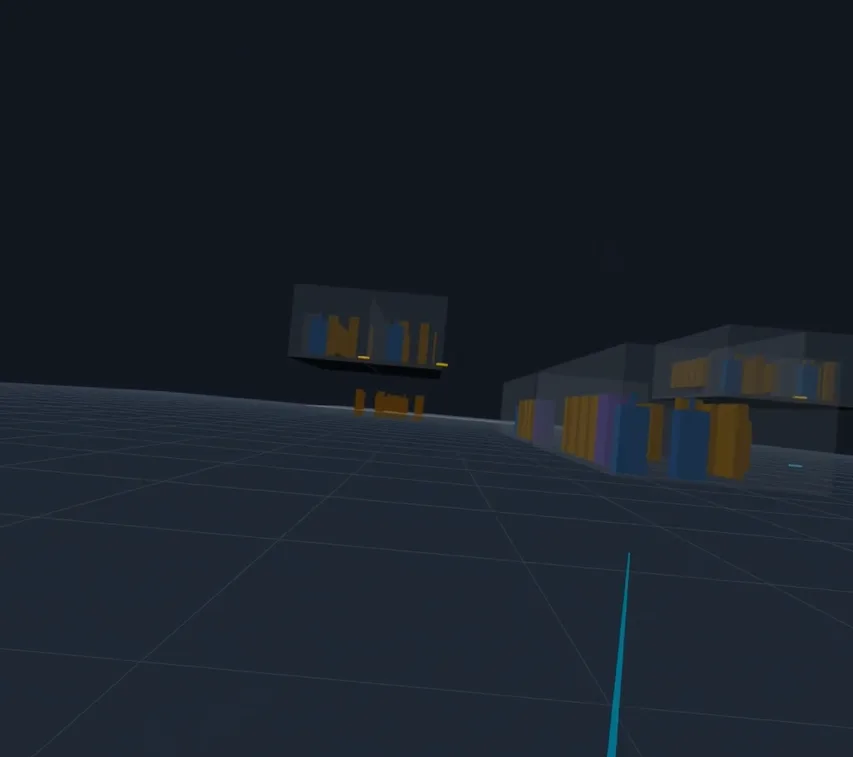
Headset view of a substation site at real scale with rooms and equipment
Meta Quest 3The site at real scale from inside the headset: rooms, equipment and elevated decks exactly as they are on the canvas.
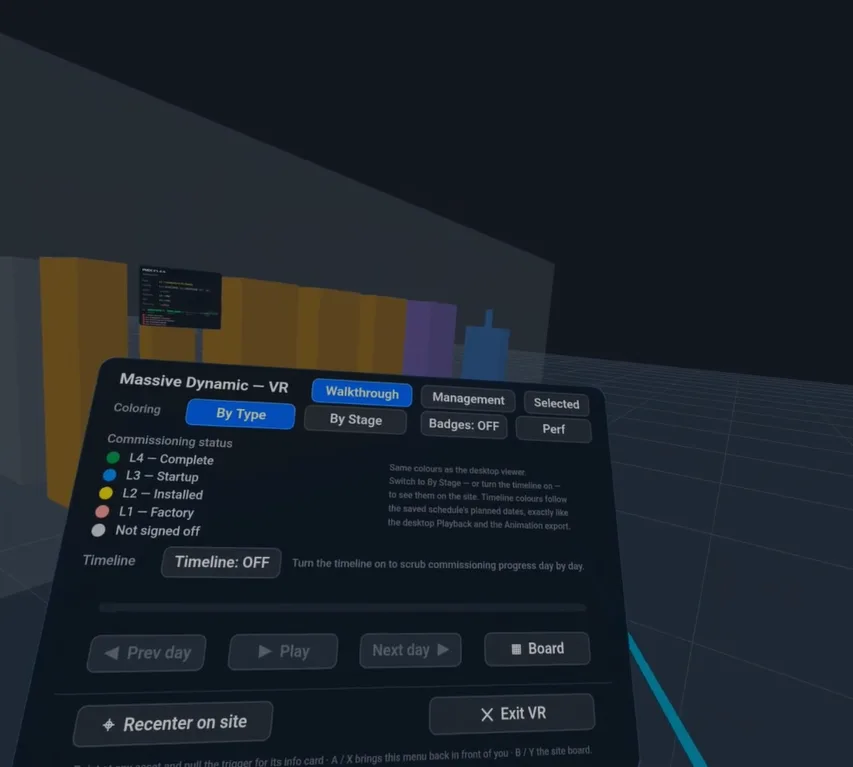
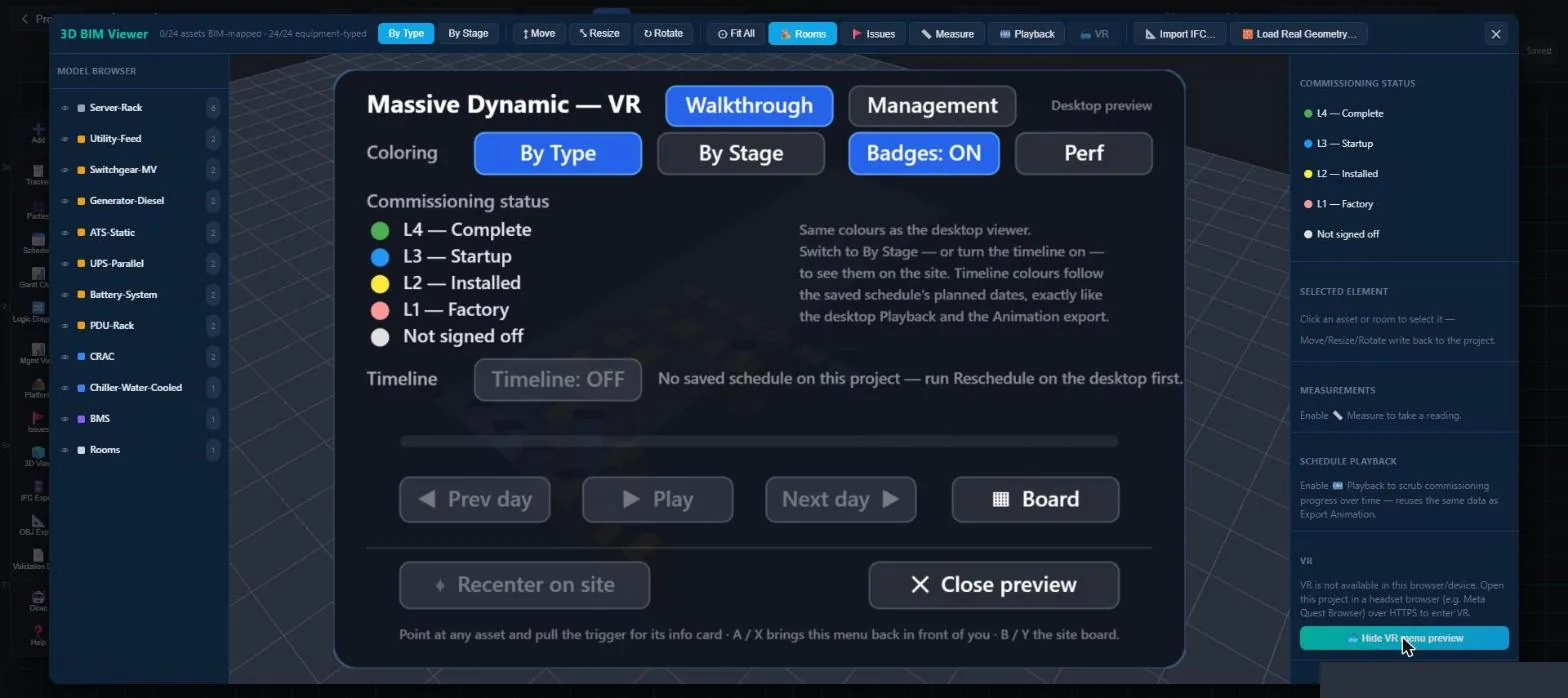
Massive Dynamic VR menu captured in the headset: stage colouring, timeline and board controls
Meta Quest 3Captured in the headset: colour by type or by commissioning stage, scrub the saved schedule day by day, open the site board.
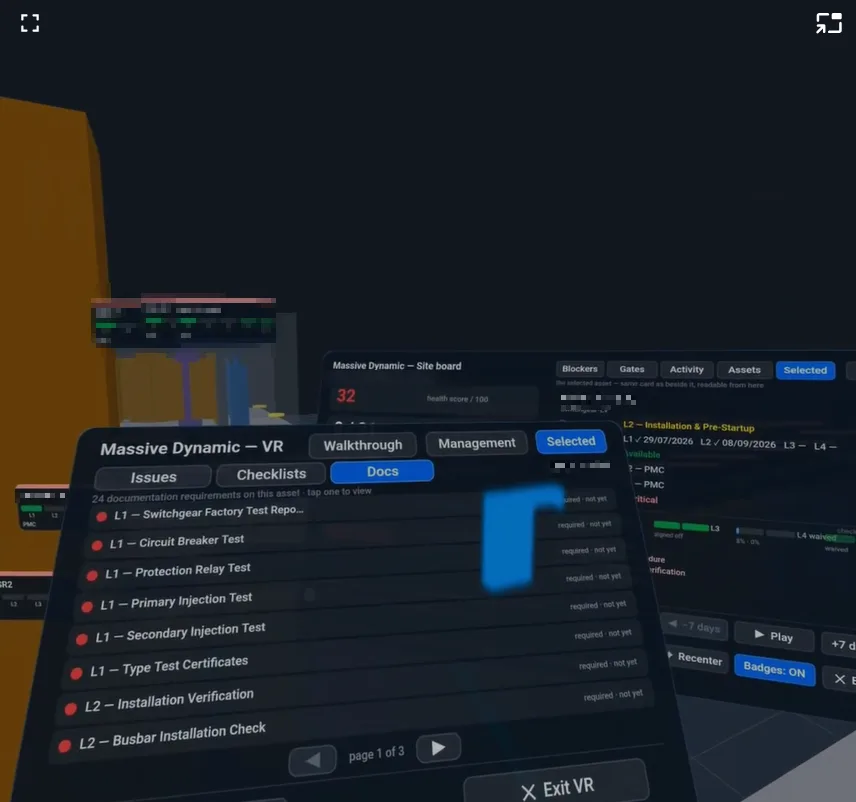
Headset view of the selected asset's documentation requirements and the site board beside it
Meta Quest 3The selected asset's documentation requirements, stage by stage, with the site board's blockers, gates and activity beside it — read without taking the headset off.
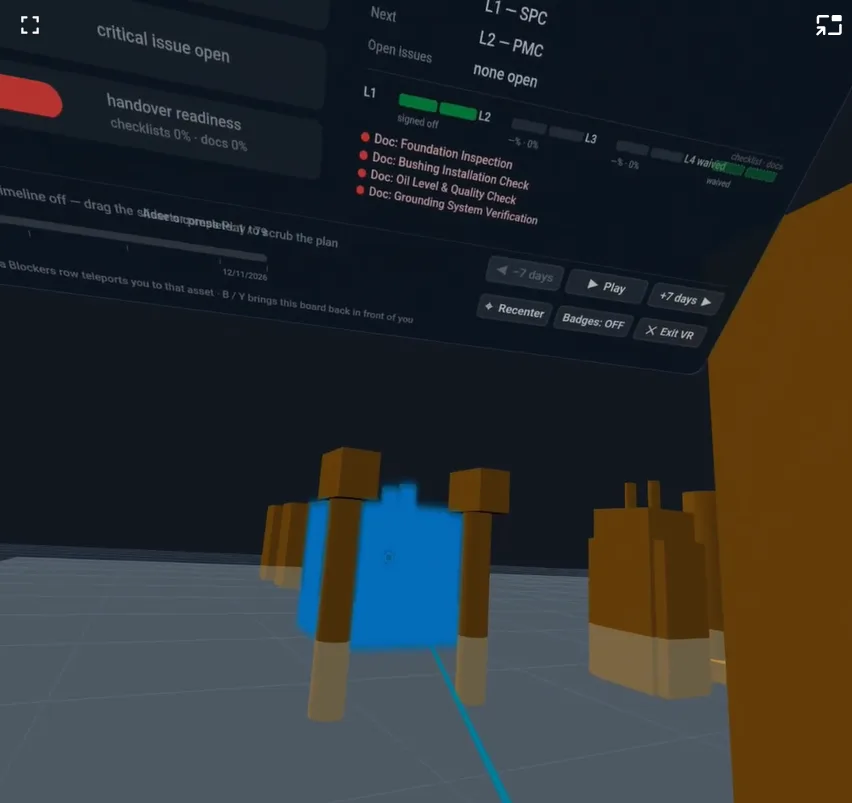
Headset view of the site board's handover readiness and an asset's stage badges
Meta Quest 3Handover readiness, open documents and the asset's stage badges, floating where the asset stands.

In the app

Desktop 3D and the headset menu preview

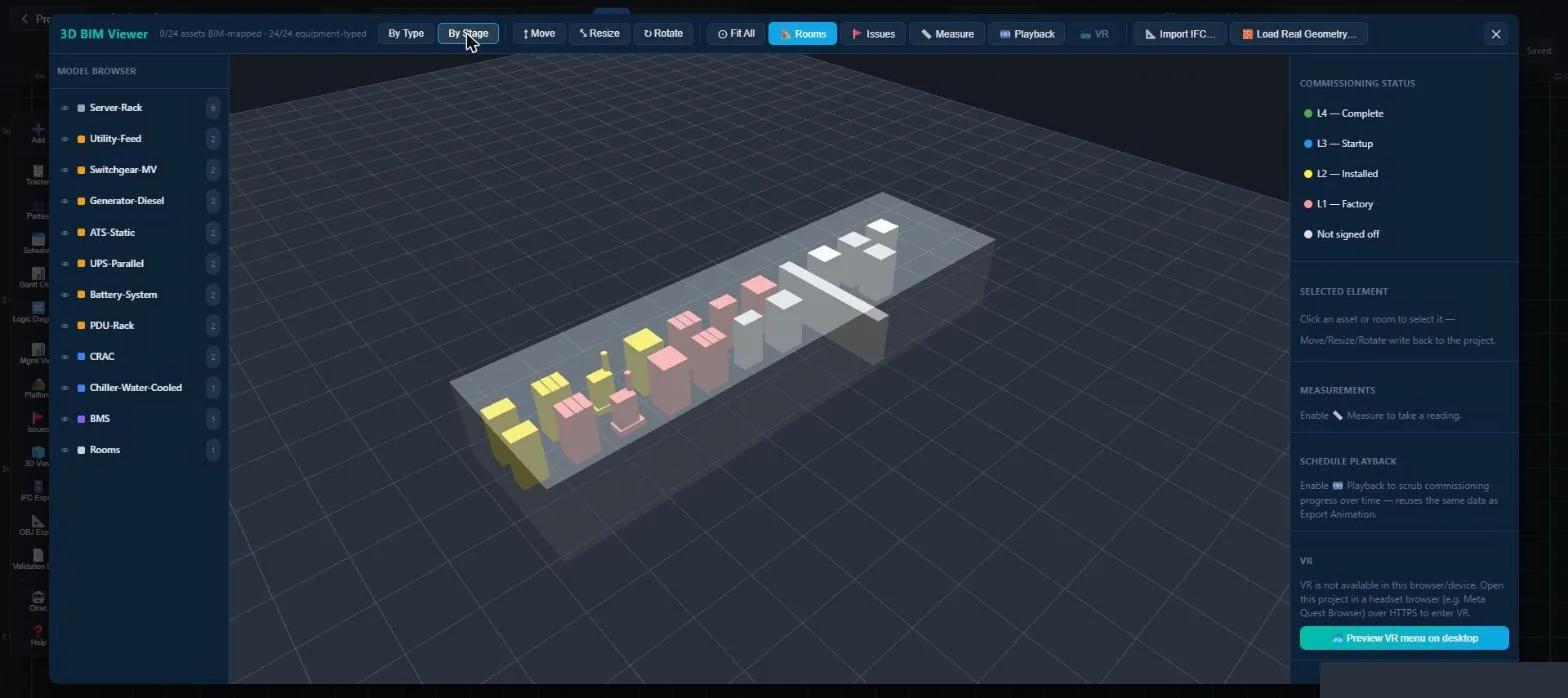
3D viewer of a data center coloured by commissioning stage
Demo projectThe same project in 3D, coloured by commissioning stage and generated from the canvas with no extra modelling.
VR menu with walkthrough, management and stage colouring controls
Demo projectThe VR menu as seen in the headset: walkthrough and management modes, stage colours and schedule playback.

3D & BIM

Real geometry, one pipeline

Geometry

Real equipment models

Any asset can carry a real OBJ or GLB model from a categorised library, placed with exact position and rotation.

IFC

IFC as the source of truth

Import the IFC model and placeholders that match a real element hide automatically. We validate this on your model during a pilot.

Export

Export what you see

IFC, OBJ and COBie exporters share one mesh pipeline with the viewer, and every asset carries its BIM ID and GUID.

Playback

Schedule playback

Scrub through the commissioning sequence and watch the plant recolour as it moves from factory to complete.

See it in a headset

Ask for a VR walkthrough as part of your demo.